From tape to playlist
Your mixtapes.
Back in rotation.
Turn your cassette recordings into playlists in the Music app on your Mac. Identify songs, preserve their order and keep the recordings that matter to you.
Contact & support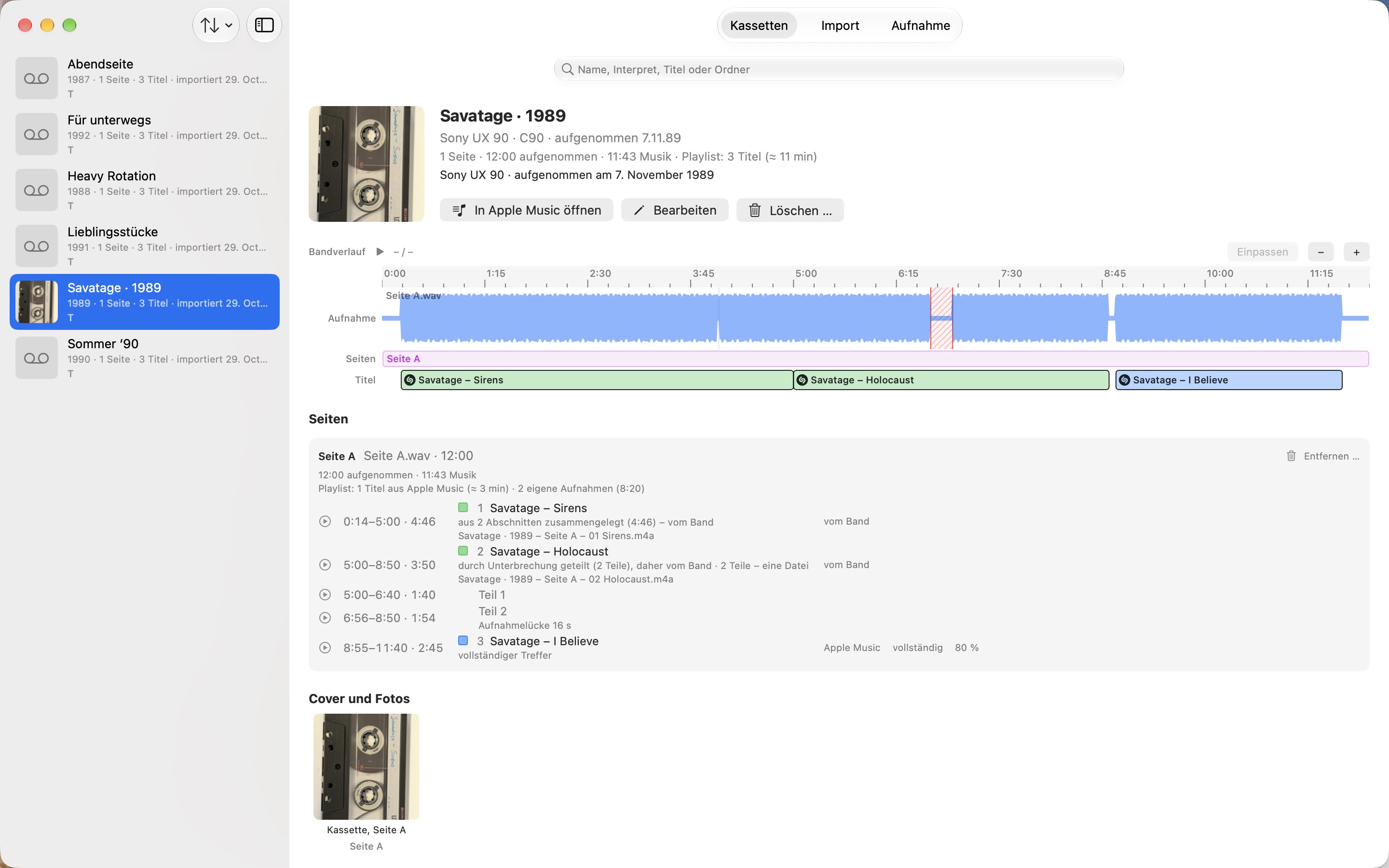
The workflow
Keep the music. Choose how it plays.
Start with a recording
Drop existing recordings into the app, or record from your cassette deck through an audio input.
Make it yours
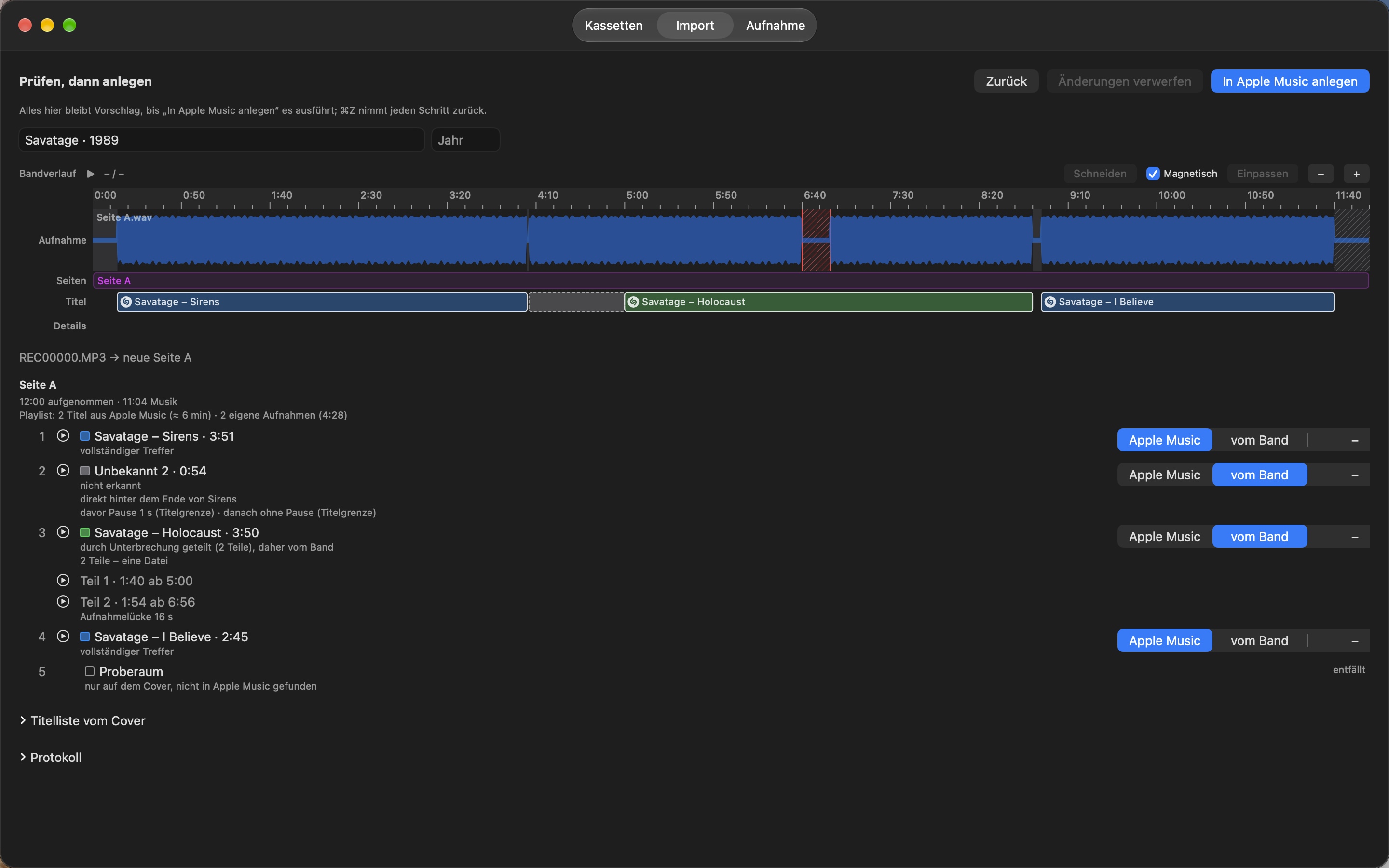
Shazam identifies the music. Listen back, adjust track boundaries and choose Apple Music or your tape recording for each track.
Build your playlist
Combine catalog tracks and your own recordings in tape order, or use only your recordings.
Your collection
More than a track list.
Keep names, years and notes with your cassettes. Search by cassette, artist, track or folder, and open the linked playlist directly in Apple Music.
Unrecognized or incomplete songs can stay as your own recordings. Optional speed correction can compensate for detected tape-speed differences.
What you need
- macOS 15 or later. The app interface is German.
- Internet for Shazam recognition and Apple Music search.
- An active Apple Music subscription to play catalog tracks; availability varies by country and song.
- Permission to access your music library and control the Music app.
- For direct recording: a cassette deck, a suitable audio input such as a USB audio interface, and audio-input permission. Hardware is not included.